Clean, calm reading

Markdownis the new PDF.

EazyReader opens your .md files and makes them a pleasure to read. PDFs too, in clean reading mode. Free to open, read and organize.

Free to open, read and organize, read-only. Free reader for Mac and Windows PC. Downloads open after signing: notarization on Mac, code signing on Windows.*

Launch plan
Unfiled Add to reading room AI

EazyReader · Reading mode

The Launch Plan, on One Page

Open the file, and it reads like a page that someone cared about. Clear headings, a calm measure, and no raw syntax in the way. This is the short version of how we ship Launch 2.0, written so anyone on the team can read it in one sitting.

This week

  • Ship the reading view
  • File docs into Reading Rooms
  • Shelve what is done

How we will know it is ready

  1. The free app opens launch-plan.md and a PDF in the same calm layout.
  2. Highlights, editing and versions stay behind EazyReader+, clearly marked as coming soon.
  3. A first-time Mac or Windows user can go from download to first page without a tour.

Reading never changes your file. That is the promise we keep, even when the writing tools arrive.

A note for the build

Keep the default document at docs/launch-plan.md. The first heading stays title case. If you need to smoke-test the converter, this is enough:

eazyreader --open launch-plan.md
eazyreader --open launch-plan.pdf

Everything after this line is still part of the same page: owners, dates, and the open questions we have not settled yet. Scroll when you need them.

Open questions

The free reader ships for Mac and Windows together. Enterprise is a later shared hub, not part of this launch. We will not announce dates until both apps are signed.

EazyReader · Reading mode

The Launch Plan, on One Page

Open the file, and it reads like a page that someone cared about. Clear headings, a calm measure, and no raw syntax in the way. This is the short version of how we ship Launch 2.0, written so anyone on the team can read it in one sitting.

This week

  • Ship the reading view
  • File docs into Reading Rooms
  • Shelve what is done

How we will know it is ready

  1. The free app opens launch-plan.md and a PDF in the same calm layout.
  2. Highlights, editing and versions stay behind EazyReader+, clearly marked as coming soon.
  3. A first-time Mac or Windows user can go from download to first page without a tour.

Reading never changes your file. That is the promise we keep, even when the writing tools arrive.

A note for the build

Keep the default document at docs/launch-plan.md. The first heading stays title case. If you need to smoke-test the converter, this is enough:

eazyreader --open launch-plan.md
eazyreader --open launch-plan.pdf

Everything after this line is still part of the same page: owners, dates, and the open questions we have not settled yet. Scroll when you need them.

Open questions

The free reader ships for Mac and Windows together. Enterprise is a later shared hub, not part of this launch. We will not announce dates until both apps are signed.
# The Launch Plan, on One Page

Open the file, and it reads like a page that someone cared about. Clear headings, a calm measure, and no raw syntax in the way. This is the short version of how we ship Launch 2.0, written so anyone on the team can [read it in one sitting](#features).

## This week

- Ship the reading view
- File docs into **Reading Rooms**
- Shelve what is done

### How we will know it is ready

1. The free app opens `launch-plan.md` and a PDF in the same calm layout.
2. Highlights, editing and versions stay behind EazyReader+, clearly marked as *coming soon*.
3. A first-time Mac or Windows user can go from download to first page without a tour.

> Reading never changes your file. That is the promise we keep, even when the writing tools arrive.

## A note for the build

Keep the default document at `docs/launch-plan.md`. The first heading stays title case. If you need to smoke-test the converter, this is enough:

```
eazyreader --open launch-plan.md
eazyreader --open launch-plan.pdf
```

---

Everything after this line is still part of the same page: owners, dates, and the open questions we have not settled yet. Scroll when you need them.

## Open questions

The free reader ships for Mac and Windows together. Enterprise is a later shared hub, not part of this launch. We will not announce dates until both apps are signed.

Same file. Readable.

Raw Markdown
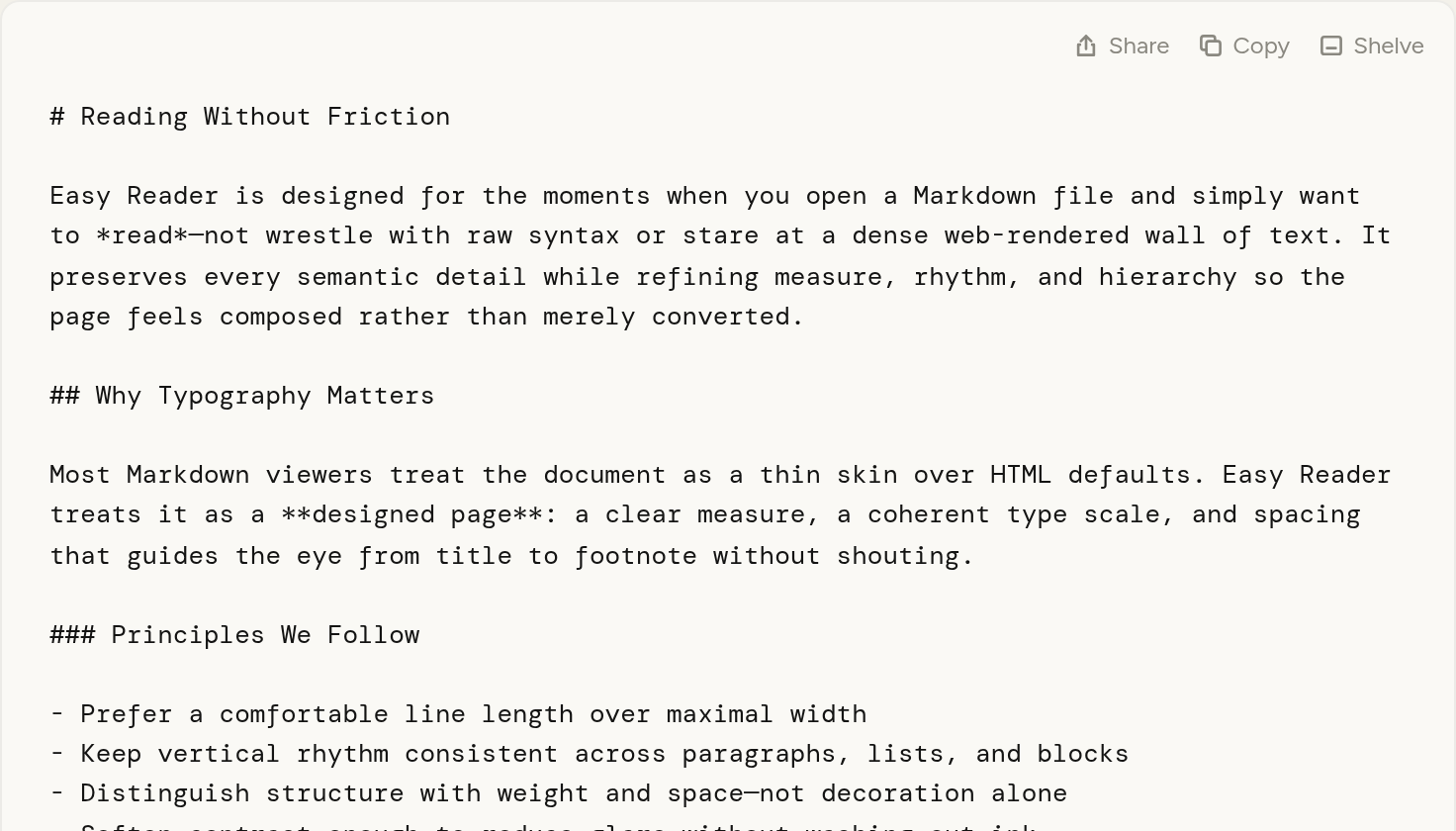
The same document as raw Markdown source text.
In EazyReader
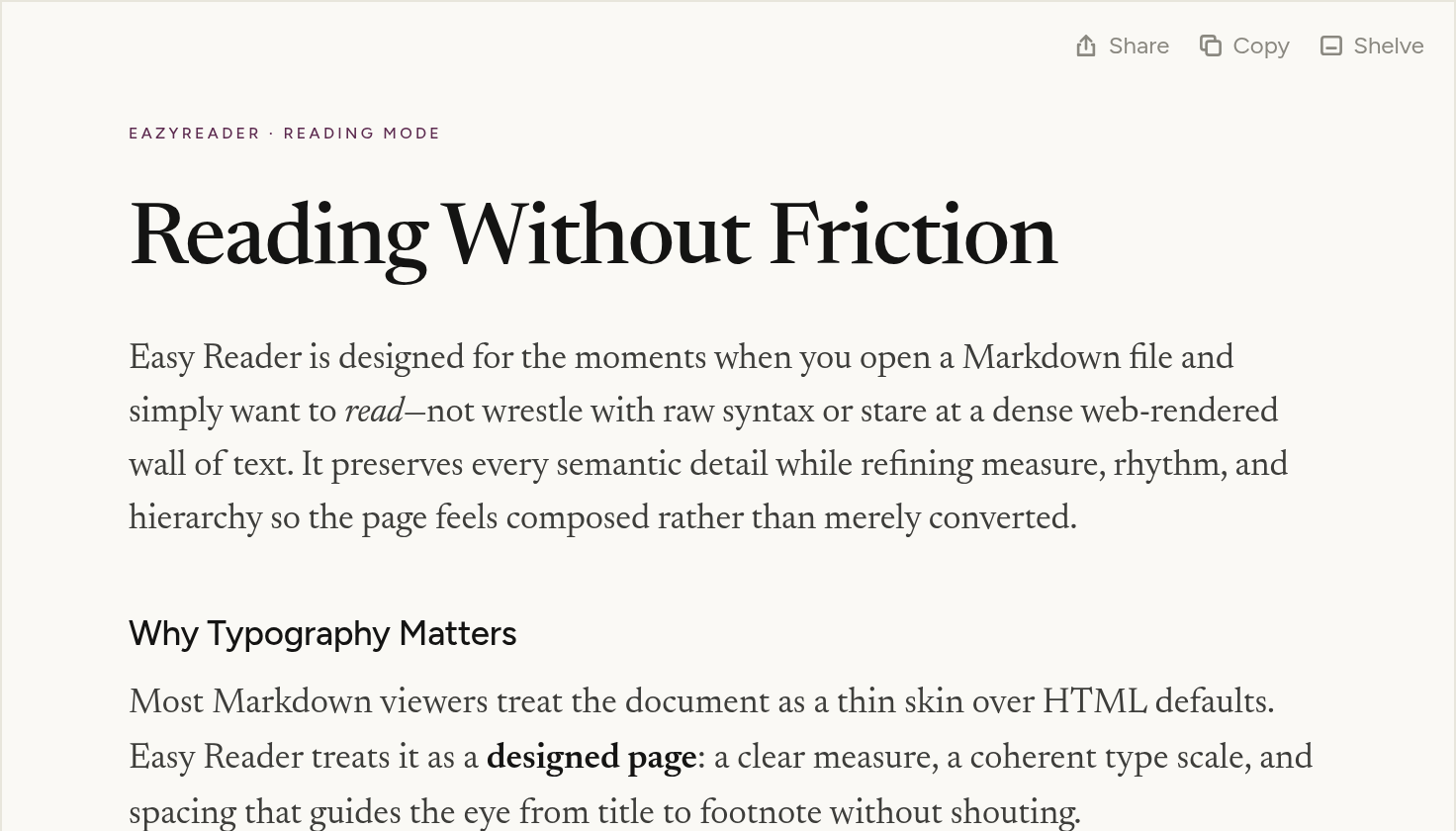
The document typeset by EazyReader with a clear title, lede and headings.

How it works

A loop that starts with your own files.

  1. Open any .md

    Double-click a Markdown file once EazyReader is your default, or open it in the app.

  2. Read beautifully

    Clear type, real headings, comfortable line length. No raw syntax in the way.

  3. Organize in Reading Rooms

    Group docs into Reading Rooms and Collections. Shelve what you're done with.

  4. Share

    Send a doc that already looks worth reading. Refer a friend is planned for EazyReader+.

Features

Built for reading first.

Three views of the same file

Typeset, plain, or raw. Reading never changes your file.

Free

Reading Rooms

Rooms and Collections in a quiet sidebar. Shelve what you are done with.

Free

PDFs, in clean reading mode

Open a PDF and read it as a calm page. Your original PDF stays untouched.

Free

Highlight passages

Mark the lines that matter and find them again later.

EazyReader+ · coming soon

Markdown editing, with versions

Edit in place with autosave and a version history.

EazyReader+ · coming soon

On-device AI

Summaries and basic AI on your Markdown, private and on-device with Apple Intelligence.*

EazyReader+ · coming soon

Get EazyReader

Pick your door.

The free reader for Mac and Windows PC. EazyReader+ comes next, so join the waitlist and we will tell you when it is ready.

Free

EazyReader for Mac

Plan
Free, read-only
System
macOS 26 or later*
Opens
.md files and PDFs

Download opens after signing and notarization.

Free

EazyReader for Windows

Plan
Free, read-only
System
Windows 10 and 11
Opens
.md files and PDFs

Download opens after code signing.

Coming soon

EazyReader+

Price
$5/year
Adds
Styles, highlights, editing, AI
Waitlist
Mac or Windows PC
Join the waitlist

Pick Mac or Windows PC. One email, no account.

Pricing

Small prices. Nothing to pay to read.

EazyReader

Free

  • Open, read and organize, read-only
  • EazyReader, Preview and Source views
  • Reading Rooms, Collections, Shelve
  • Opens PDFs in clean reading mode

EazyReader+

Coming soon

$5/year

  • Reading styles and accent colors
  • Highlight passages
  • Markdown editing, autosave and versions
  • On-device AI with Apple Intelligence*
Join the waitlist for

Backend needed. Saved on this device only.

SMALL BUSINESS/ENTERPRISE

Let's talk

  • Shared Reading Rooms for teams
  • Connect apps like Slack and Gmail
  • AI across your team's documents

Contact form backend needed

Enterprise

Shared Reading Rooms for your team.

Permission-aware workspaces, admin controls, and a calm place for the Markdown your team already writes. We're opening early access.

  • Shared Reading Rooms & Collections
  • Permission-aware document access
  • Admin for seats and invites
  • AI across your team's documents

Contact form backend needed

FAQ

Is it really free?

Yes. Opening, reading and organizing your own Markdown is free, and stays read-only. Editing is planned for EazyReader+.

Can I edit my Markdown?

Not yet. Basic is read-only, so reading never changes your file. Editing with autosave and a version history is planned for EazyReader+.

Can I refer a friend?

You will be able to refer a friend when EazyReader+ is available. There is no referral discount or reward.

Is there a monthly EazyReader+ plan?

No. EazyReader+ is planned as annual only, at $5/year. There is no purchase or upgrade yet.

Which platforms?

The free reader is for Mac and Windows PC. Downloads open after signing: notarization on Mac, code signing on Windows. Pick Mac or Windows PC when you join the EazyReader+ waitlist. A mobile experience is planned.

Is there a Windows PC version?

Yes. The free reader runs on Windows 10 and 11, alongside the Mac app. The Windows download opens after code signing.

Does it open PDFs?

Yes. EazyReader also opens PDFs in clean reading mode.

Does the AI send my documents to the cloud?

When EazyReader+ is available, EazyReader+ AI is planned to run on Apple Intelligence on your Mac, without uploading your documents for answers. It is planned to require macOS 26 or later, Apple silicon, and Apple Intelligence, and to work best on macOS 27.

How do I get EazyReader+?

EazyReader+ is coming soon. There is no upgrade or purchase yet. The planned price is $5/year. Join the waitlist to hear when it is ready.

All your docs. One place.

EazyReader+ waitlist

Download for Mac

The Mac app is in testing. Download will be available after signing and notarization. This page does not start a download.

Private, internal use only. Never sold or shared.

Waiting list

Form backend needed. Not connected yet, so nothing is sent.

Feedback

Feedback submission isn't connected yet.